User Information Panel
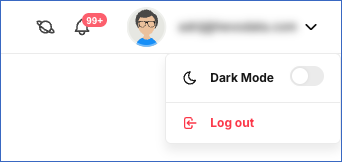
The User Information Panel is placed at the top right corner in your Hevo user interface. It provides links to the Hevo documentation, your alerts, the Dark Mode toggle, and the Log out option.
-
 : Click the Information icon to access the Hevo documentation, read about the new features in Hevo, and view the keyboard shortcuts.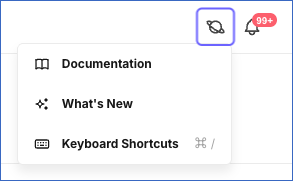
-
 : Click the Alerts icon to read about important alerts and notifications about your Pipelines and the tasks you are performing.
 -
 : Click anywhere in the User details drop-down to switch between the Light and Dark modes, or to log out of Hevo.
Note: To access your account, team, billing, and alert settings, click Settings in the Navigation Bar.
Last updated on Oct 12, 2026