BambooHR is a human resources information system (HRIS) used by small and medium-sized businesses to centralize employee information. It enables organizations to manage essential HR processes, including time-off tracking, performance reviews, training programs, and day-to-day HR operations.
Hevo uses the following BambooHR APIs to replicate data from your BambooHR account to the Destination of your choice:
| API Name | API Endpoint | Description |
|---|---|---|
| Custom Reports API | /v1/reports/custom |
Used to ingest Employee object data with incremental replication support based on a timestamp field. |
| REST APIs | /v1/* |
Used to ingest operational data such as time-off requests, training records, dependents, goals, milestones, and related objects. |
| Meta APIs | /v1/meta/* |
Used to ingest metadata such as time off types, policies, and account users. |
These APIs enable you to analyze HR data using your preferred analytics and reporting tools. To ingest data, you must provide Hevo with a BambooHR API key and your subdomain for authentication.
Supported Features
| Feature Name | Supported |
|---|---|
| Capture deletes | Yes, except for Employee, Time Off Request, Training, and Employee Time Off Policy objects |
| Custom data (user-configured tables & fields) | Only for Employee object |
| Data blocking (skip objects and fields) | Yes |
| Resync (objects and Pipelines) | Yes |
| API configurable | Yes |
| Authorization via API | Yes |
Prerequisites
-
An active BambooHR account exists from which data is to be ingested.
-
An API key with read permissions to provide Hevo access to your BambooHR account data.
-
The subdomain of your BambooHR account.
Note: BambooHR API keys are associated with user accounts, and the data accessible through the API is limited by that user’s permissions. To ensure complete data ingestion, ensure that you generate the API key from a user account with Administrator or Manager access.
Obtain the API Key
To connect Hevo to your BambooHR account, you must generate an API key. BambooHR API keys do not expire and can be reused across all your Pipelines.
Perform the following steps to obtain the API key:
-
Log in to your BambooHR account as a user with permission to create API keys, such as an Administrator or Manager.
-
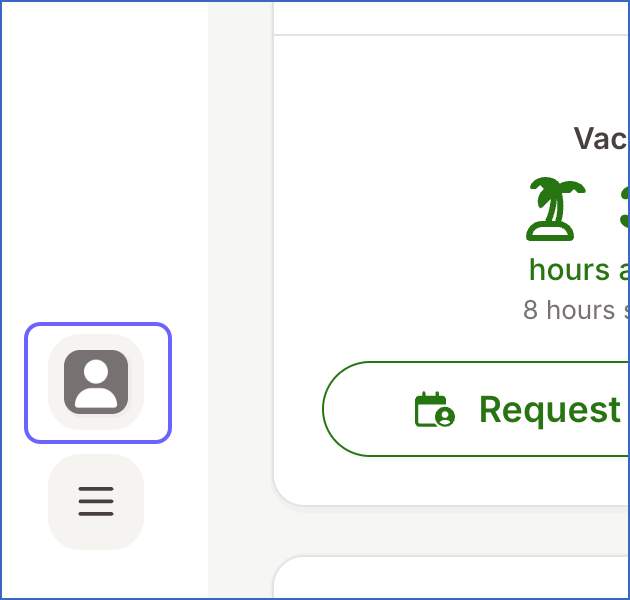
On the bottom-left corner of the page, click the Account icon.
-
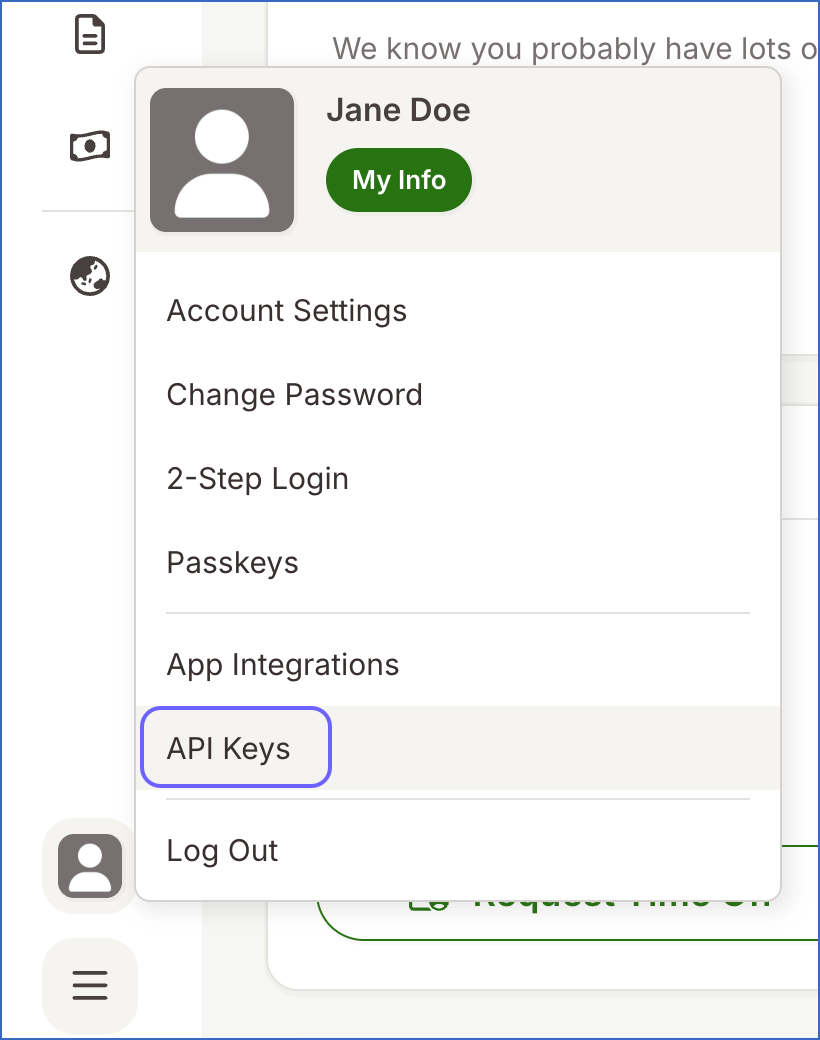
From the account menu, click API Keys.
-
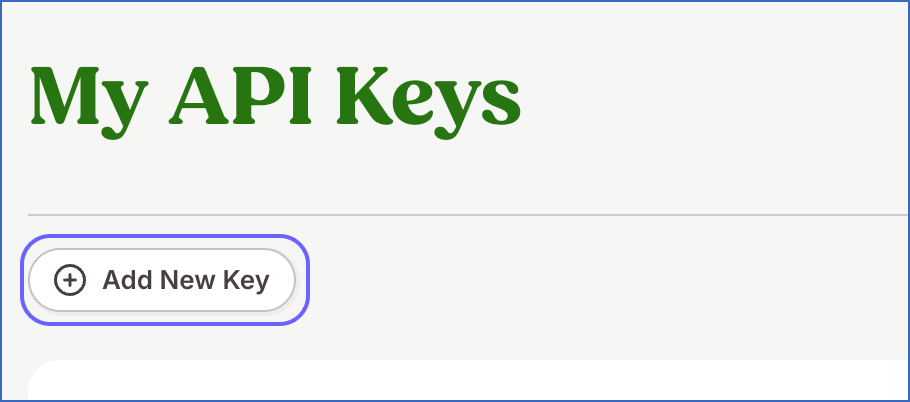
In the My API Keys screen, click Add New Key.
-
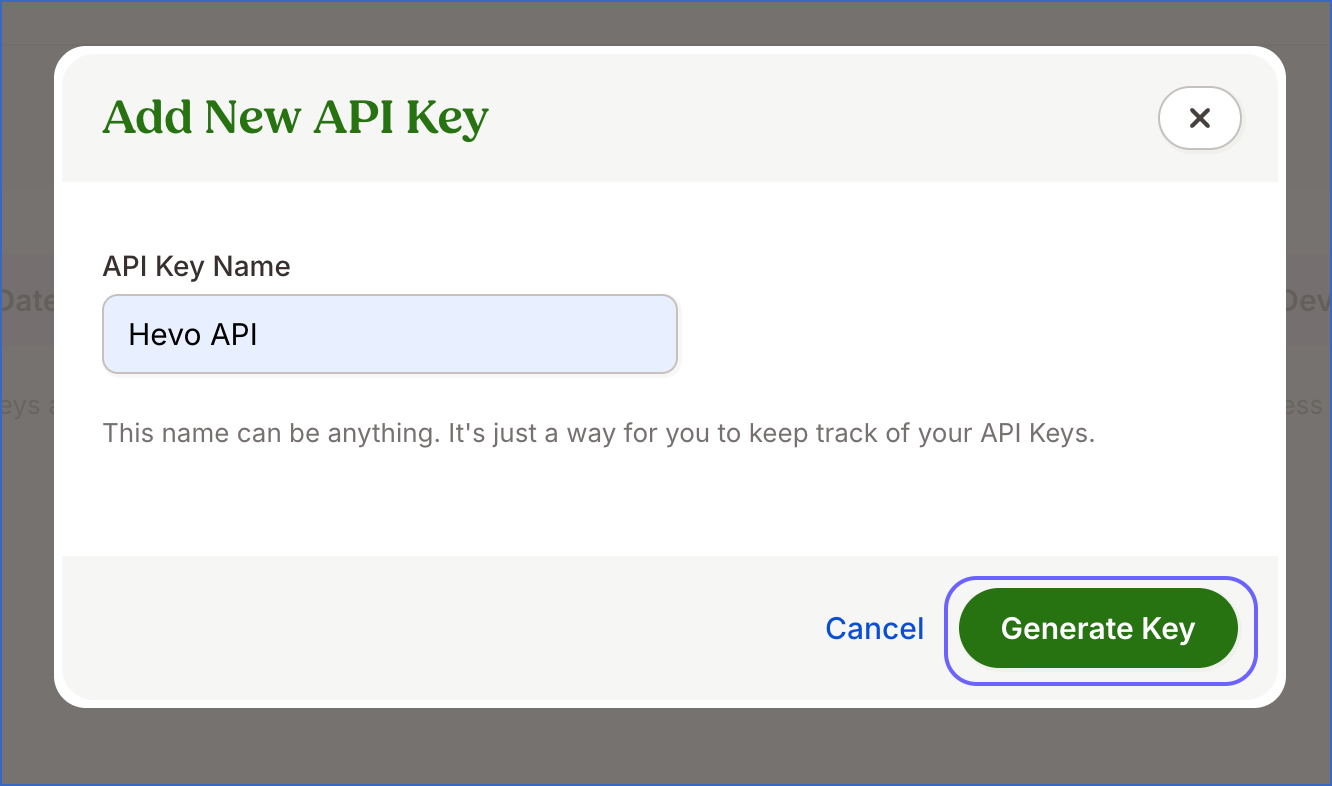
Provide a descriptive name for the key, for example, Hevo API, and click Generate Key.
-
Click COPY KEY to copy the generated API key.
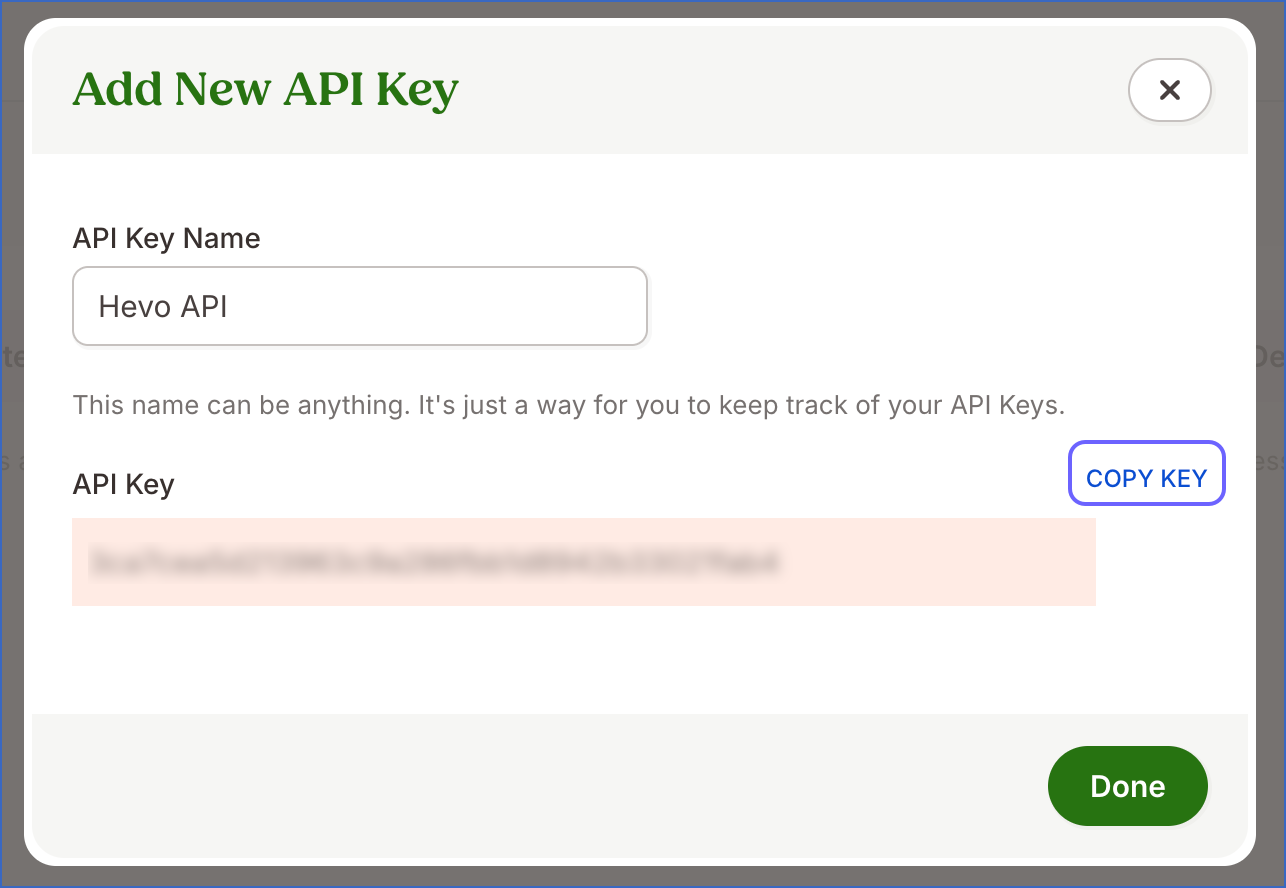
Note: BambooHR displays the API key only once. Ensure that you copy and store it securely, as it cannot be retrieved later.
-
Click Done.
Use this API key when configuring your BambooHR Source in Hevo. If the API key configured in the Pipeline is revoked manually from your BambooHR account, Hevo can no longer authenticate with the Source. As a result, all active jobs for the Pipeline fail and data ingestion stops. To resume data replication, modify the Source configuration in the Pipeline with a valid API key. Once the updated key is saved, Hevo re-authenticates the Source, and data ingestion resumes from the last saved offset.
Configure BambooHR as a Source in your Pipeline
Perform the following steps to configure your BambooHR Source:
-
Click Pipelines in the Navigation Bar.
-
Click + Create Pipeline in the Pipelines List View.
-
On the Select Source Type page, select BambooHR.
-
On the Select Destination Type page, select the type of Destination you want to use.
-
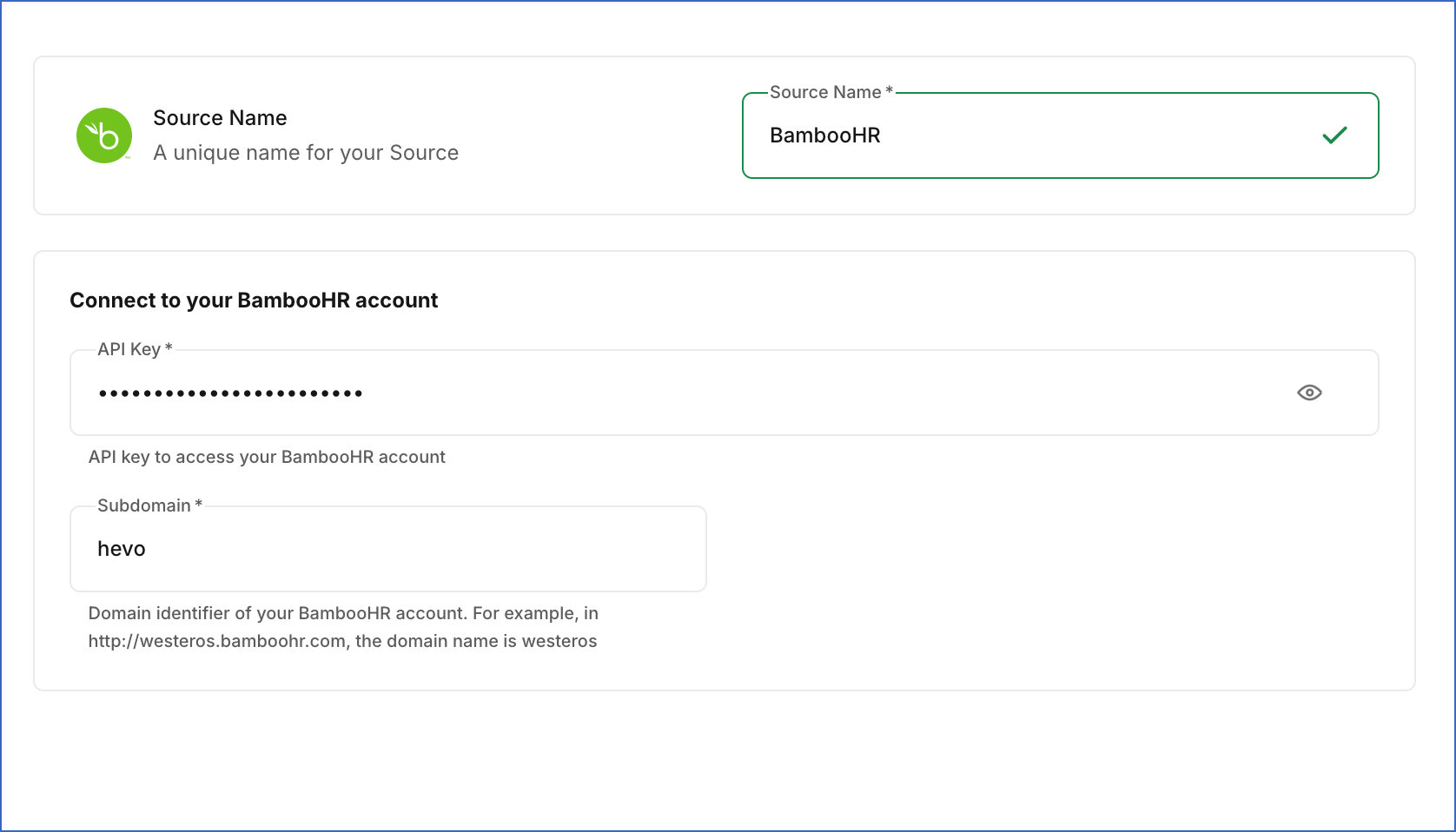
In the Configure Source screen, specify the following:
-
Source Name: A unique name for your Source, not exceeding 255 characters. For example, BambooHR Source.
-
In the Connect to your BambooHR account section, specify the following:
-
API Key: The API key that you obtained from your BambooHR account.
-
Subdomain: The unique identifier for your BambooHR account. For example, in https://hevo.bamboohr.com, the subdomain is hevo.
-
-
-
Click Test & Continue to test the connection to your BambooHR Source. Once the test is successful, you can proceed to set up your Destination.
Data Replication
Hevo replicates data for all the objects selected on the Configure Objects page during Pipeline creation. By default, all supported objects and their available fields are selected. However, you can modify this selection while creating or editing the Pipeline.
Selecting a parent object automatically includes all its associated child objects for replication. Child objects cannot be selected or deselected individually.
Hevo ingests the following types of data from your Source objects:
-
Historical Data: The first run of the Pipeline ingests all available historical data for the selected objects and loads it into the Destination.
-
Incremental Data: Once the historical load is complete, new and updated records for objects are ingested as per the sync frequency.
For the Employee object, Hevo ingests only the incremental data in subsequent Pipeline runs. Incremental changes are detected using the lastChanged timestamp fields.
For all other objects, Hevo ingests the entire data during each Pipeline run.
Note: You can create a Pipeline with this Source only using the Merge load mode. The Append mode is not supported for this Source.
Currently, BambooHR enforces a rate limit of 60 API requests per minute (approximately one request per second). If this limit is exceeded, a rate limit exception occurs. Hevo handles such scenarios using built-in retry logic, applicable to both historical and incremental ingestion:
-
When a rate limit is encountered, Hevo waits 60 seconds before retrying the request.
-
Each rate-limited request is retried up to three times. If all retries fail, the job is marked as Failed. Read Handling Rate Limit Exceptions for more information.
For the Employee object, Hevo uses BambooHR’s Custom Reports API for ingesting data with incremental sync support. This API supports a maximum of 400 fields per request. If your BambooHR account includes more than 400 standard or custom fields:
-
Hevo automatically splits the request into multiple batches.
-
The batched results are merged before loading into the Destination, ensuring all Employee fields are ingested without data loss.
Schema and Primary Keys
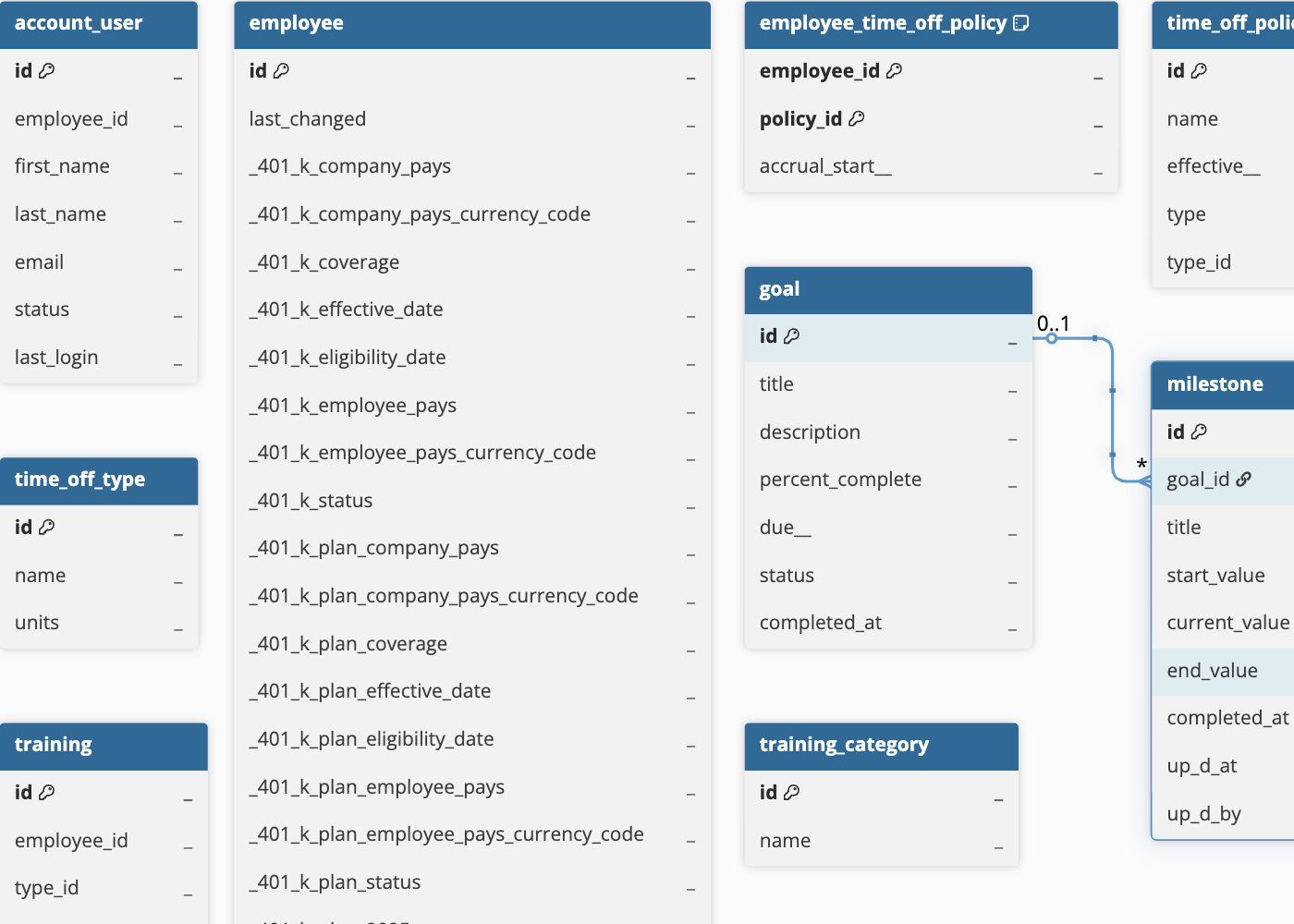
Hevo uses the following schema to upload the records in the Destination. For a detailed view of the objects, fields, and relationships, click the ERD.
Data Model
The following is the list of tables (objects) that are created at the Destination when you run the Pipeline:
| Object | Description |
|---|---|
| Account User | Contains BambooHR account user details, such as login status and permission-related metadata. |
| Employee | Contains comprehensive employee information, such as personal details, employment status, compensation, and custom fields configured in your BambooHR account. |
| Employee Dependent | Contains information about employee dependents, such as relationship, demographic details, and address information. |
| Employee Time Off Policy | Represents the relationship between employees and their assigned time off policies, including accrual start dates. |
| Goal | Contains employee goals, including titles, descriptions, completion percentages, due dates, and status. |
|
Milestone (Child object of Goal) |
Contains milestones associated with employee goals, including progress indicators and completion timestamps. Each milestone belongs to a specific goal. |
| Time Off Policy | Contains time off policies defined in BambooHR, including policy names, effective dates, and policy rules. |
| Time Off Request | Contains time off requests submitted by employees, including request dates, approval status, time off amounts, and associated employee and policy details. |
| Time Off Type | Contains the types of time off configured in BambooHR, such as vacation, sick leave, and personal leave. |
| Training | Contains employee training records, including completion dates, instructors, credits, and associated costs. |
| Training Category | Contains training categories used to organize training types in BambooHR. |
| Training Type | Contains training types configured in BambooHR, including completion requirements, frequencies, and due dates. |
Note:
-
The Employee object schema is dynamically generated based on the fields configured in your BambooHR account. The fields available for ingestion may vary depending on your BambooHR plan and any custom fields configured in your account. Schema changes are automatically detected and applied during subsequent Pipeline runs.
-
The Employee Time Off Policy object is a junction table that connects employees with their assigned time off policies.
Handling of Deletes
BambooHR does not explicitly mark records as deleted in its API responses. When a record is deleted, it is no longer returned in subsequent API responses.
Hevo uses a full data refresh approach to capture delete actions for parent objects. During each Pipeline run, Hevo compares the data fetched from the Source object with the data present in the Destination table. If a record exists in the Destination but is no longer returned by the Source, the record is marked as deleted by setting the value of the metadata column __hevo__marked_deleted to True. This applies only to the following objects, for which the complete data is ingested during each sync:
-
Account User
-
Employee Dependent
-
Goal
-
Time Off Policy
-
Time Off Type
-
Training Category
-
Training Type
For child objects, such as Milestone, during each sync, Hevo removes the existing data from the corresponding Destination tables and loads them with the latest data ingested from the Source. As a result, if any records are deleted for child objects, those records are not present in the Destination after the next Pipeline run. This ensures that the child objects remain in sync with their parent objects.
The following objects do not support capturing deletes:
-
Employee
-
Time Off Request
-
Training
-
Employee Time Off Policy