Modifying a Continuous Integration (CI) Job
Perform the following steps to modify a CI job:
-
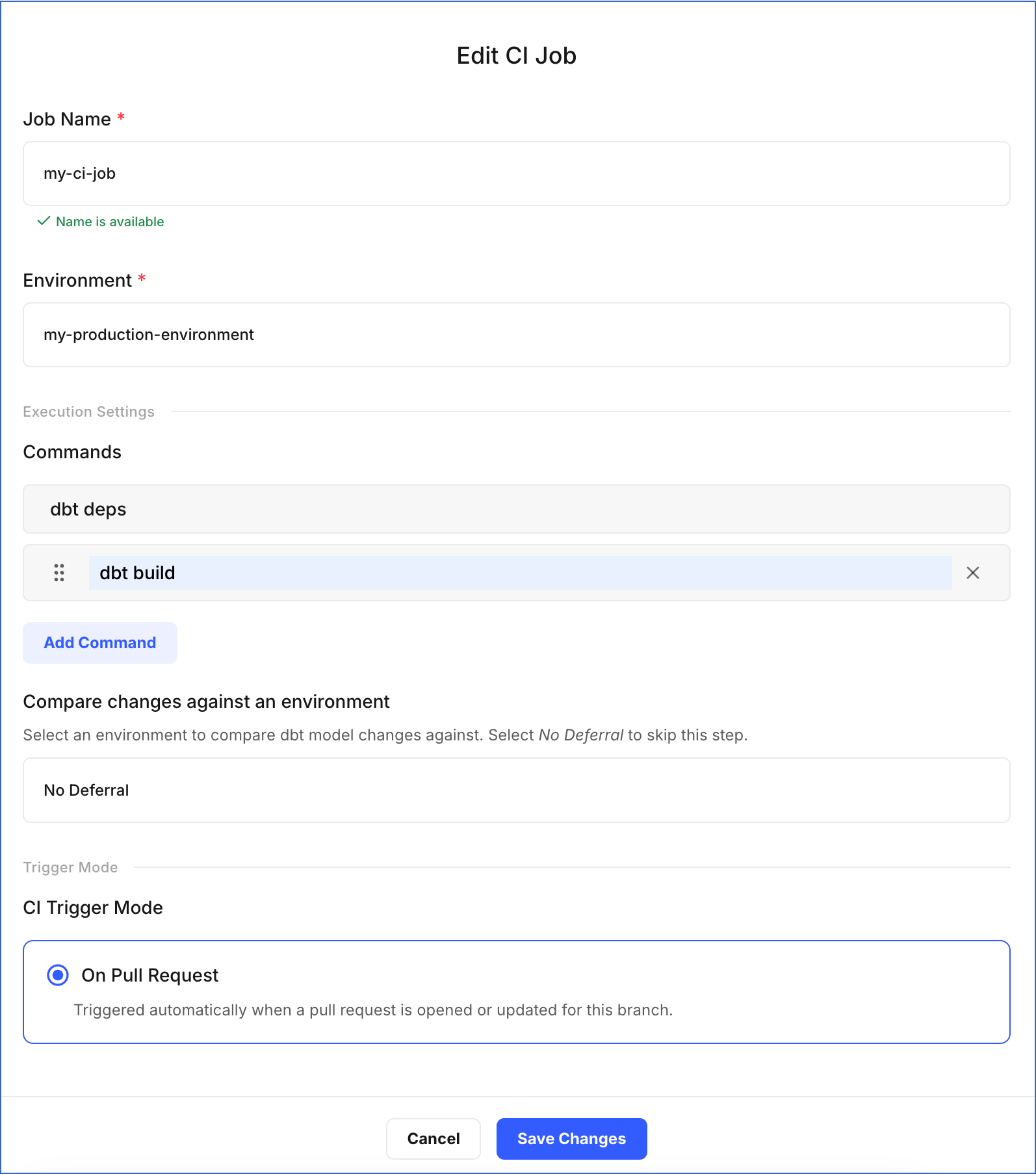
On the Edit CI Job page, update the required fields:
-
Job Name: Specify a new name for the job.
-
Environment: Select the environment that contains the target Git branch. The CI job validates pull requests that target this branch before the changes are merged.
-
In the Execution Settings section:
-
Commands: Click Add Command to specify more commands you want to execute during the job run, or click X to remove an existing command.
-
Compare changes against an environment: Select an existing environment to use as a reference when validating your changes. The CI job then validates only the models that differ from that environment, making the validation faster. Select No Deferral to validate all models from scratch instead.
-
-
Trigger Mode: On Pull Request is the only trigger mode available for CI jobs and cannot be changed.
-
-
Click Save Changes.
A notification is displayed to confirm that the job has been updated successfully.