Once a Transformation project is created, you can rename it or delete it if it is no longer needed.
Refer to the following sections to manage your Transformation projects:
Renaming a Transformation Project
You can rename a Transformation project to better reflect its purpose. You may also want to rename it if it was created with an incorrect name.
Perform the following steps to rename a Transformation project:
-
In the Navigation Bar, click Transformations.
-
On the Transformations page, click the Edit icon corresponding to the project you want to rename.

-
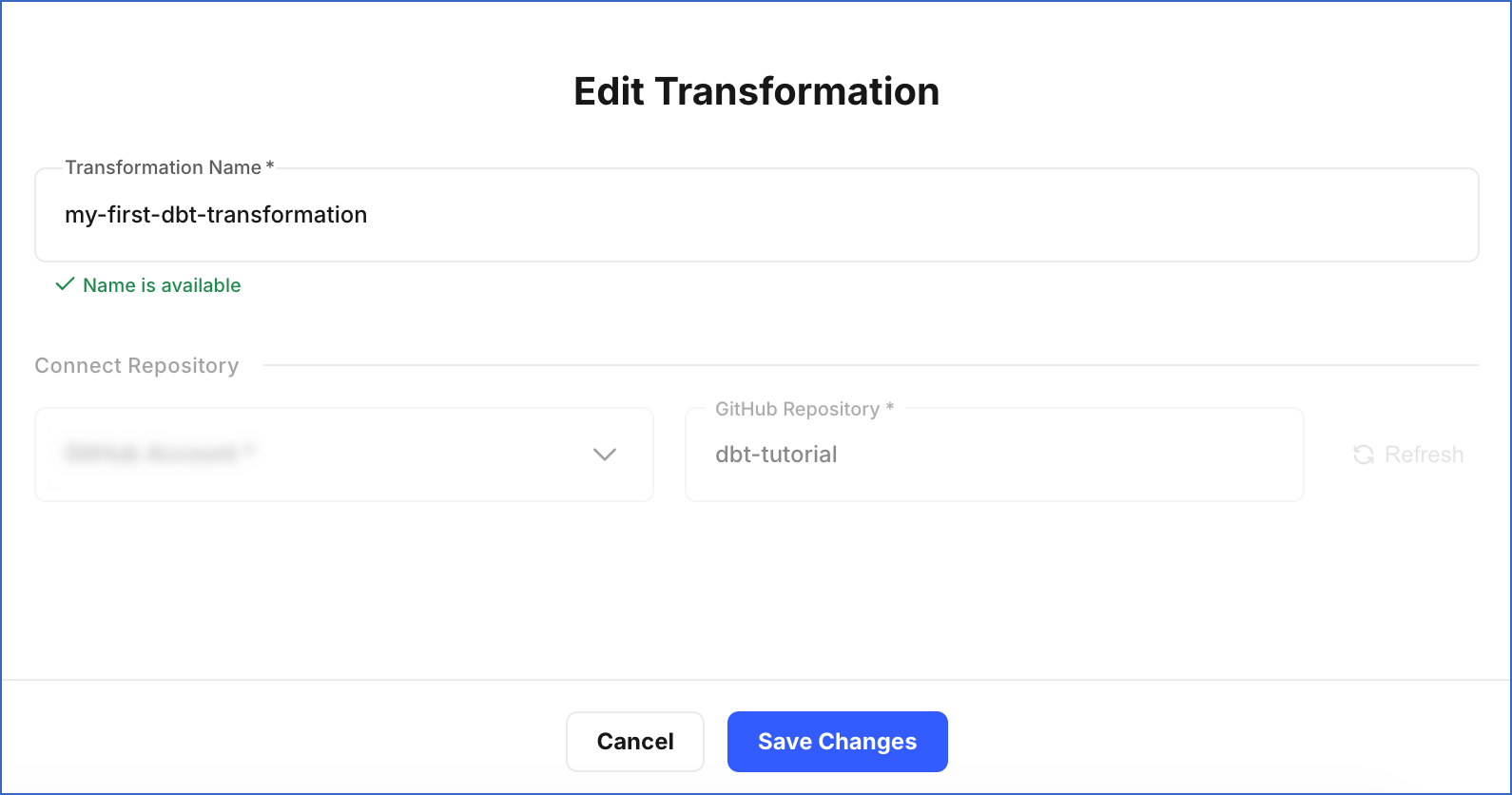
On the Edit Transformation page, do the following:
-
Specify a new name for your project in the Transformation Name field.
-
Click Save Changes.
-
A notification is displayed to confirm that the project name has been updated successfully. You can see the updated name on the Transformations page.
Deleting a Transformation Project
You can delete a Transformation project if it is no longer needed. Deleting a project permanently removes all its environments, jobs, and run history. This action cannot be undone and does not affect the data already loaded to your Destination.
Note: If jobs are actively running when a project is deleted, those runs will be terminated.
Some scenarios where you may want to delete a Transformation project:
-
The project was created for testing and is no longer required.
-
The project has been replaced by a new one.
-
The project is no longer in use.
Perform the following steps to delete a Transformation project:
-
In the Navigation Bar, click Transformations.
-
On the Transformations page, click the Delete icon corresponding to the project you want to delete.

-
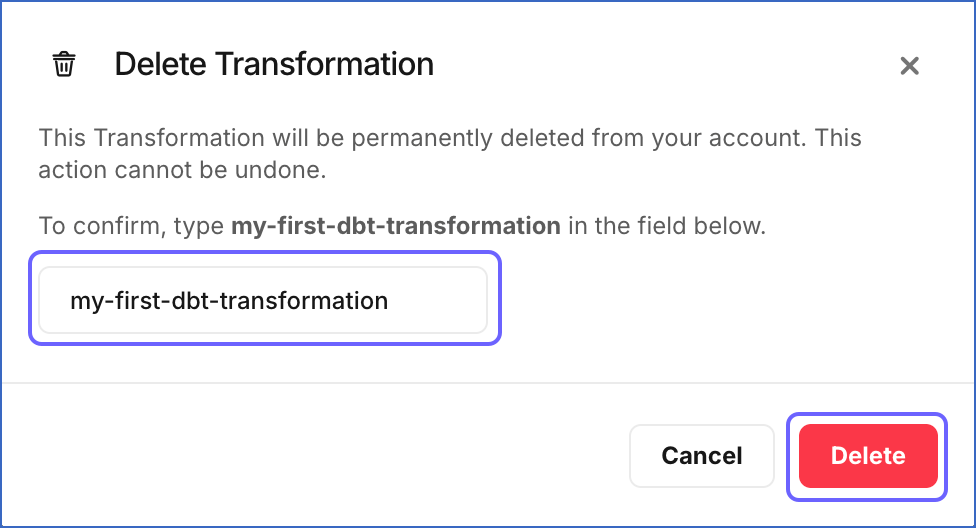
In the Delete Transformation dialog, type the exact name of the project in the field, and then click Delete.
A notification is displayed to confirm that the project has been deleted successfully.