Objects (Edge)
An object is an entity in your Source application or database that holds the data Hevo must fetch. For example, a table in your PostgreSQL database forms an object. Hevo fetches the data contained in the table and loads it to the Destination. Each record in the object is called an Event.
All the objects available in your Source are listed in the:
-
Configure Objects page while creating the Pipeline, or
-
Objects tab of the Pipeline Detailed View, post-Pipeline creation.
You can select the objects that you want to include for ingestion. By default, no object is selected. Both parent and child objects are ingested as individual objects. Any child object created by the normalization of JSON objects is not ingested.
To view the Source-Destination field mappings for an object along with the primary key(s) defined for it, do one of the following:
-
During Pipeline creation:
-
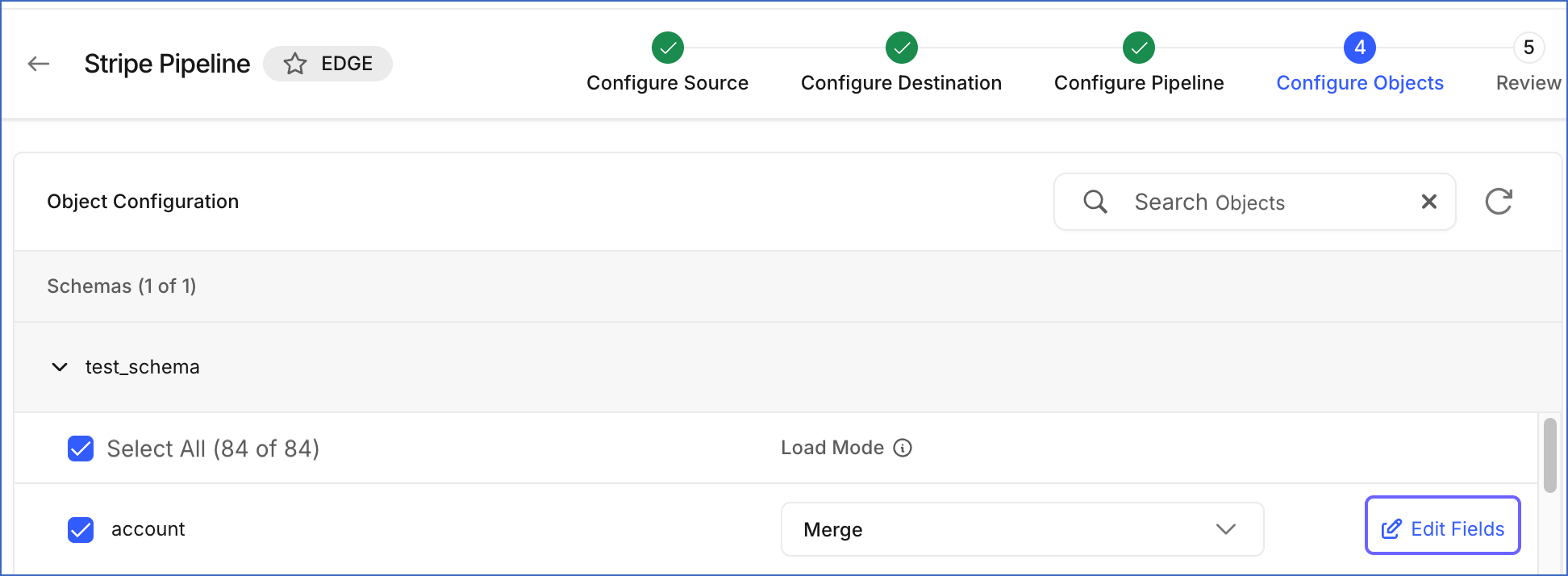
For Pipelines with enhanced object configuration, click Edit Fields next to the object on the Configure Objects page.
-
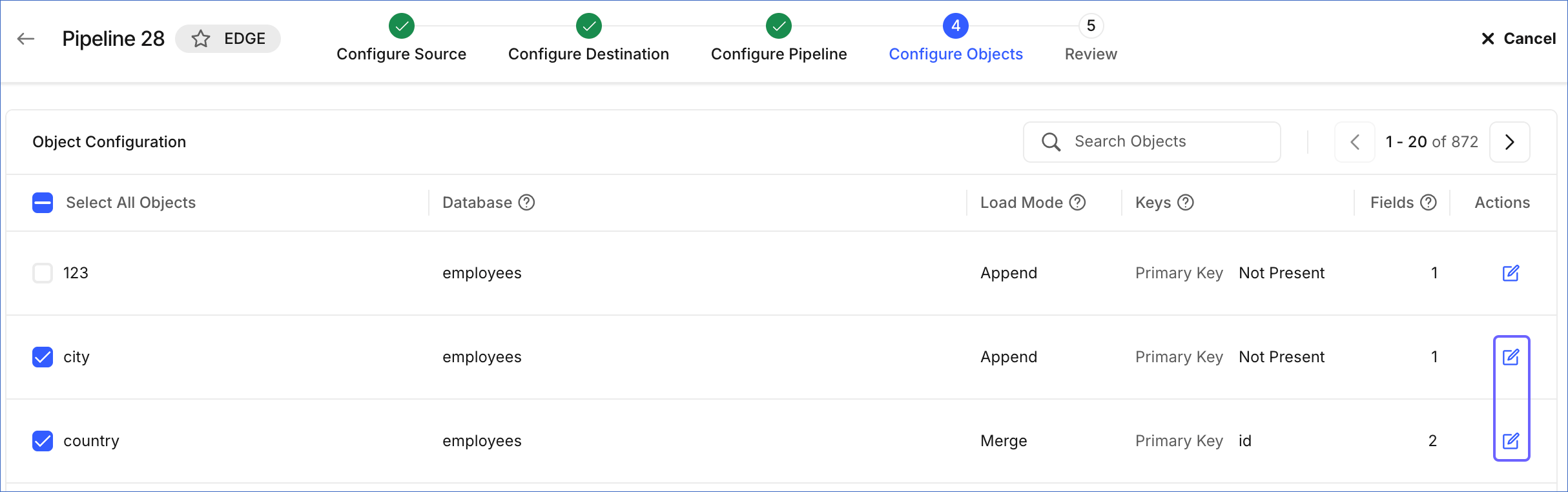
For other Pipelines, click the Edit icon next to the object on the Configure Objects page.
-
-
Post-Pipeline creation:
-
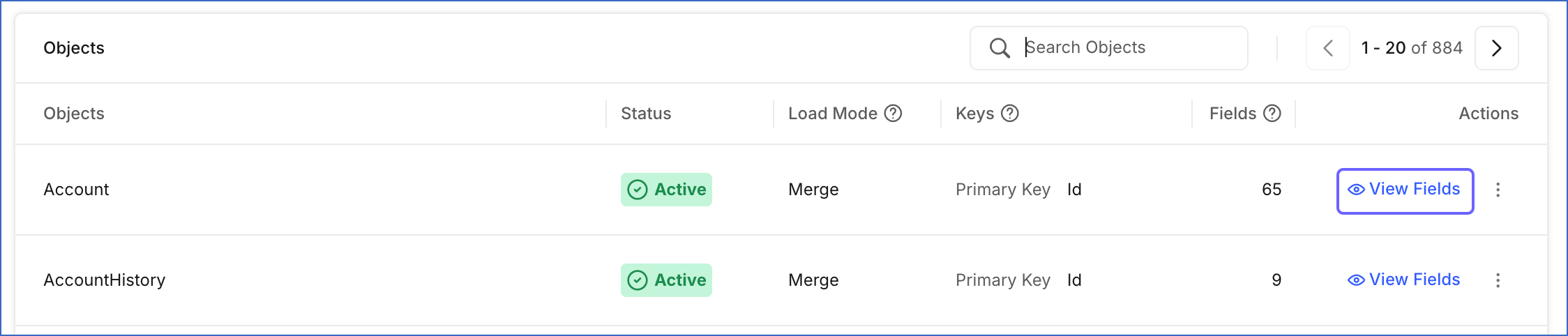
Click View Fields next to the object in the Objects tab of the Pipeline Detailed View.
-
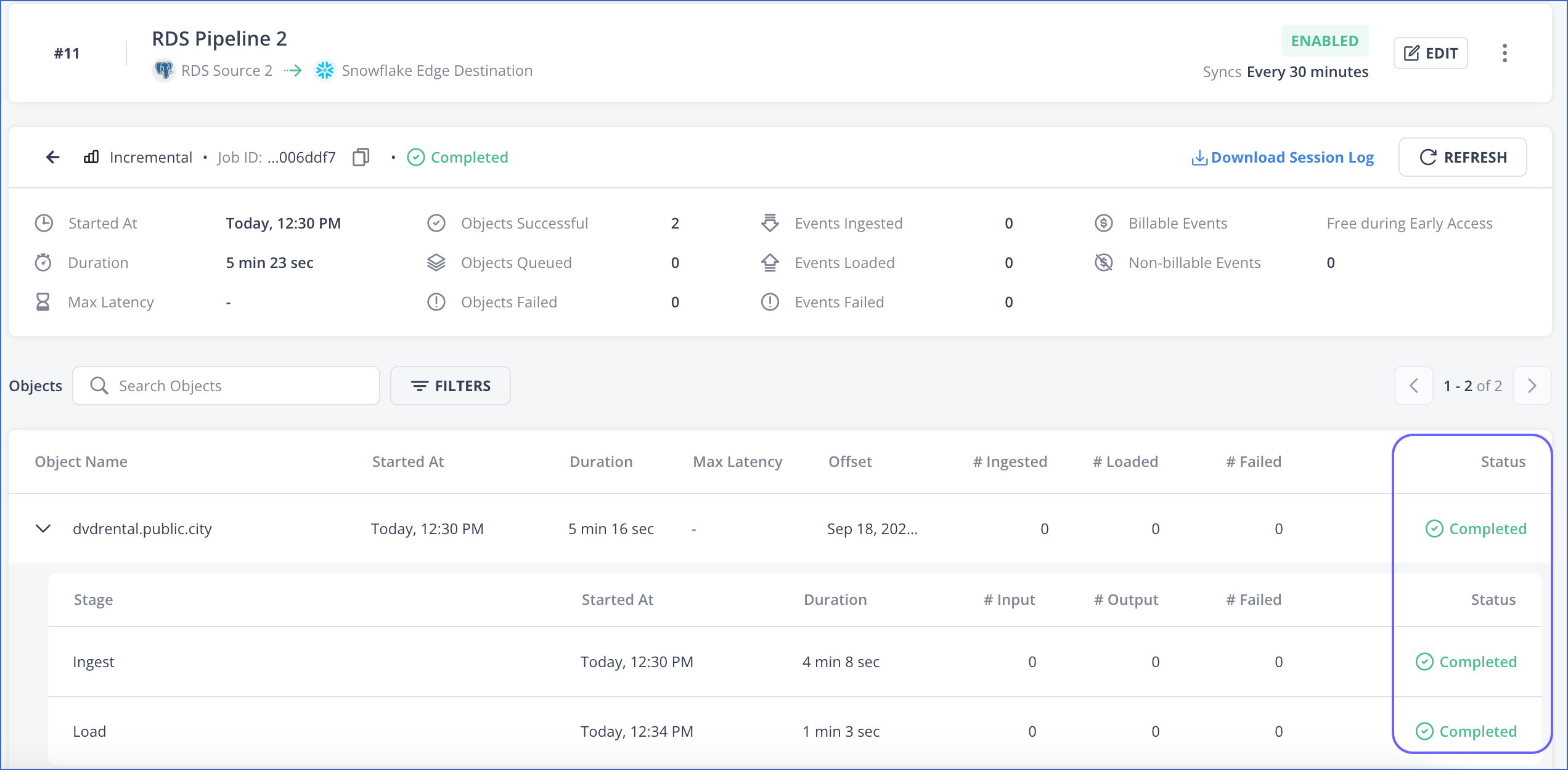
During Pipeline job execution, all objects that are successfully processed are assigned the status of Completed. In case any Event of an object fails, the object’s processing finishes with the status Completed with Failures or Failed, depending on the Failure Handling Policy you configure for the Pipeline.