Deleting Sources (Edge)
You can delete a Source if it is no longer needed. Deleting a Source is permanent and cannot be undone. If you need the Source again, you must create it again and reconfigure its connection details. Deleting a Source does not remove any records that previous syncs sent to your Target applications.
A Source cannot be deleted while it is used by a dataset or an Activation. You must remove these dependencies before you can delete the Source.

An Activation reads from a dataset, and a dataset reads from a Source. Therefore, you must delete the Activations first, then the datasets, and then the Source. Read Deleting an Activation and Deleting a Dataset for detailed steps.
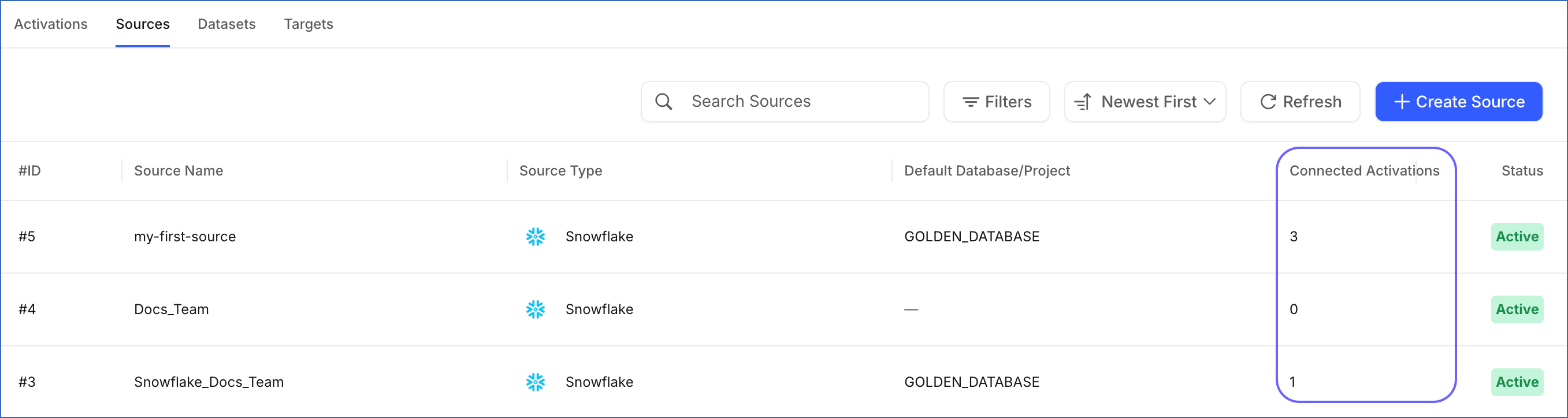
The Connected Activations column in the Sources List View shows the number of Activations that use each Source. Use this value to identify any Activations that must be deleted before you delete the Source.
Some scenarios where you may want to delete a Source:
-
The Source was created for testing and is no longer required.
-
The Source was configured incorrectly and needs to be recreated.
-
The data system the Source connects to is no longer used with Activate.
Perform the following steps to delete a Source:
-
In the Navigation Bar, click Activate.
-
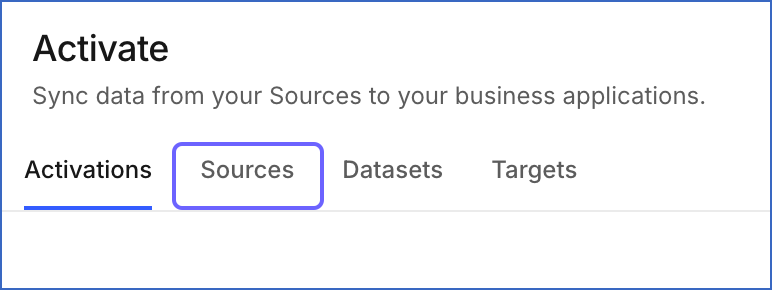
On the Activate page, click the Sources tab.
-
Click the Source you want to delete to open it in the Detailed View.
-
Click the Actions icon at the top-right corner, and then click Delete.

-
In the Delete Source dialog, click Delete.
A notification is displayed to confirm that the Source has been deleted successfully.