Changing Your Password
For security reasons, Hevo recommends that you change your password periodically.
To do this:
-
In the Navigation Bar, click the Settings (
 ) icon.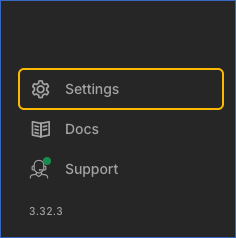
-
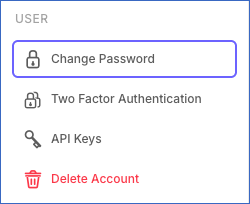
In the Settings sidebar, under USER, click Change Password.
-
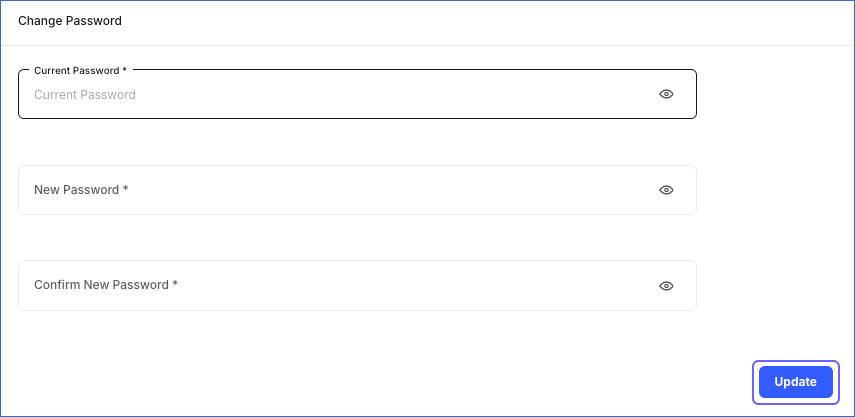
In the Change Password page, specify the following:
-
In the Current Password field, enter your current password.
-
In the New Password field, enter the password you want to set.
-
In the Confirm New Password field, re-enter the new password.
-
-
Click Update.
Last updated on Oct 26, 2026